Add what you choose
PDF, Word, spreadsheet, text, Markdown, CSV, and supported image files.

Private document intelligence for Mac
Clarity, crafted from your documents.
Search, organize, and ask questions across the files you choose, using local AI tools built for Apple Silicon.
A focused workspace
Bring related files together, locate the source material that matters, and ask questions without moving your working library to a cloud AI service.
Built for careful work, not another crowded browser tab.
One place for the work
Offline Oracle brings document preparation and local AI into one calm, purpose-built Mac experience.
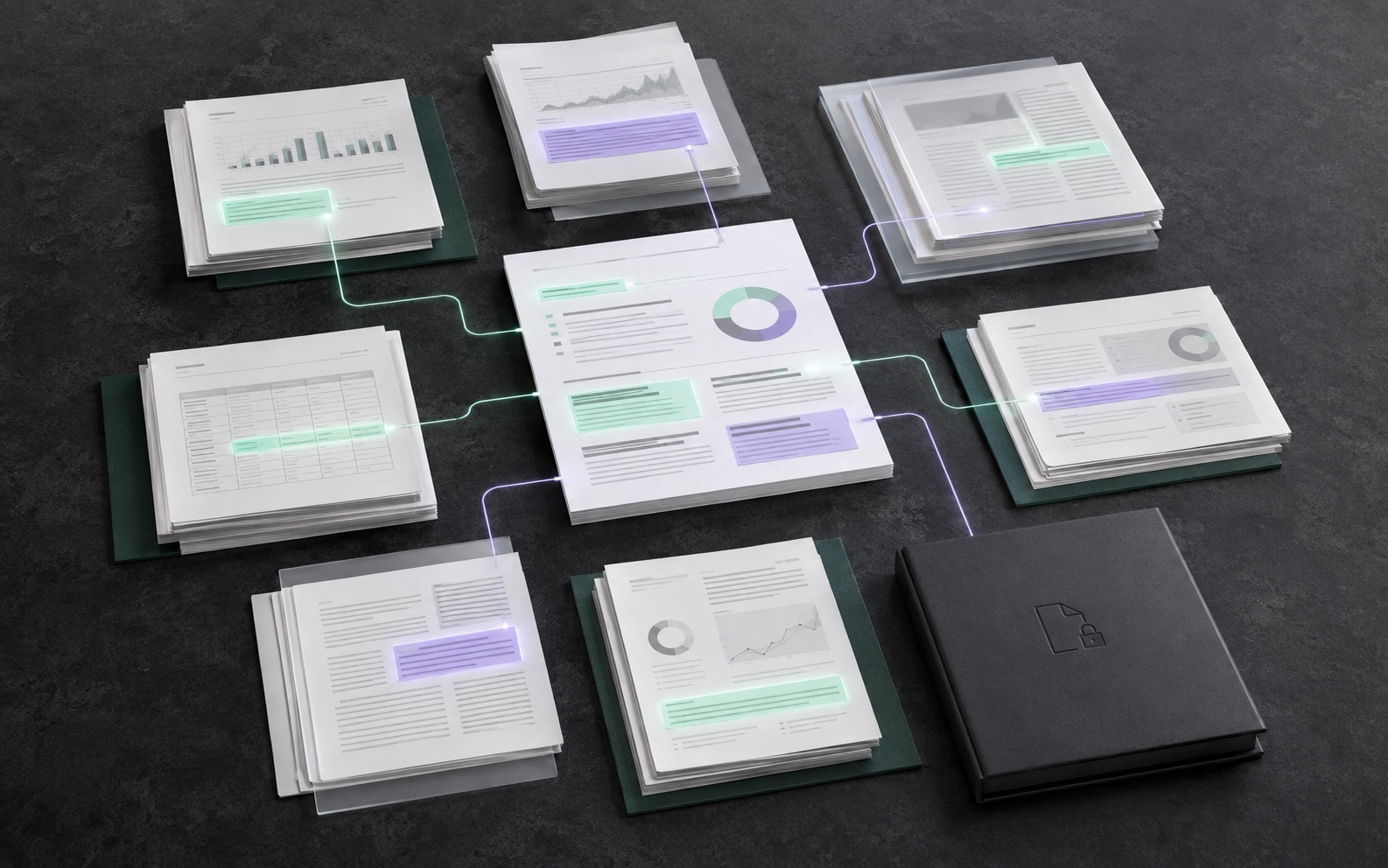
Organized documents / Searchable sources / Grounded answers
PDF, Word, spreadsheet, text, Markdown, CSV, and supported image files.
Extract text and prepare selected material for fast, private search.
Review answers with source context so the details remain inspectable.
Designed for local work
Selected documents, extracted text, search data, and local conversations are stored and processed on your Mac. Apple handles App Store subscriptions and payments.
Read the privacy policyReady without a separate installation
Offline Oracle includes its local AI server and search model. When chat is first needed, the app asks before downloading the approximately 2 GB Llama chat model from Offline Oracle, verifies it, and stores it in app-owned data.
After setup, document search and chat are designed to run locally. Internet access is still used for Apple purchase services, the initial model download, and app updates.
Built first for modern Macs
MacApple Silicon, M1 or later
SystemmacOS 13 or later
ConnectionPurchase, first setup, and updates
StorageRoom for model download and installation
Coming to the Mac App Store
Offline Oracle Professional will offer monthly and yearly subscriptions through Apple. Final pricing is displayed by the Mac App Store for each region.
Tell us about your project or inquiry and we'll get back to you.
Thank you — we'll be in touch shortly.